
Blog
How to Reduce Manual Document Delays and Boost Workplace Efficiency
See how digital document workflows help organizations eliminate manual delays, improve collaboration, and speed up approvals.
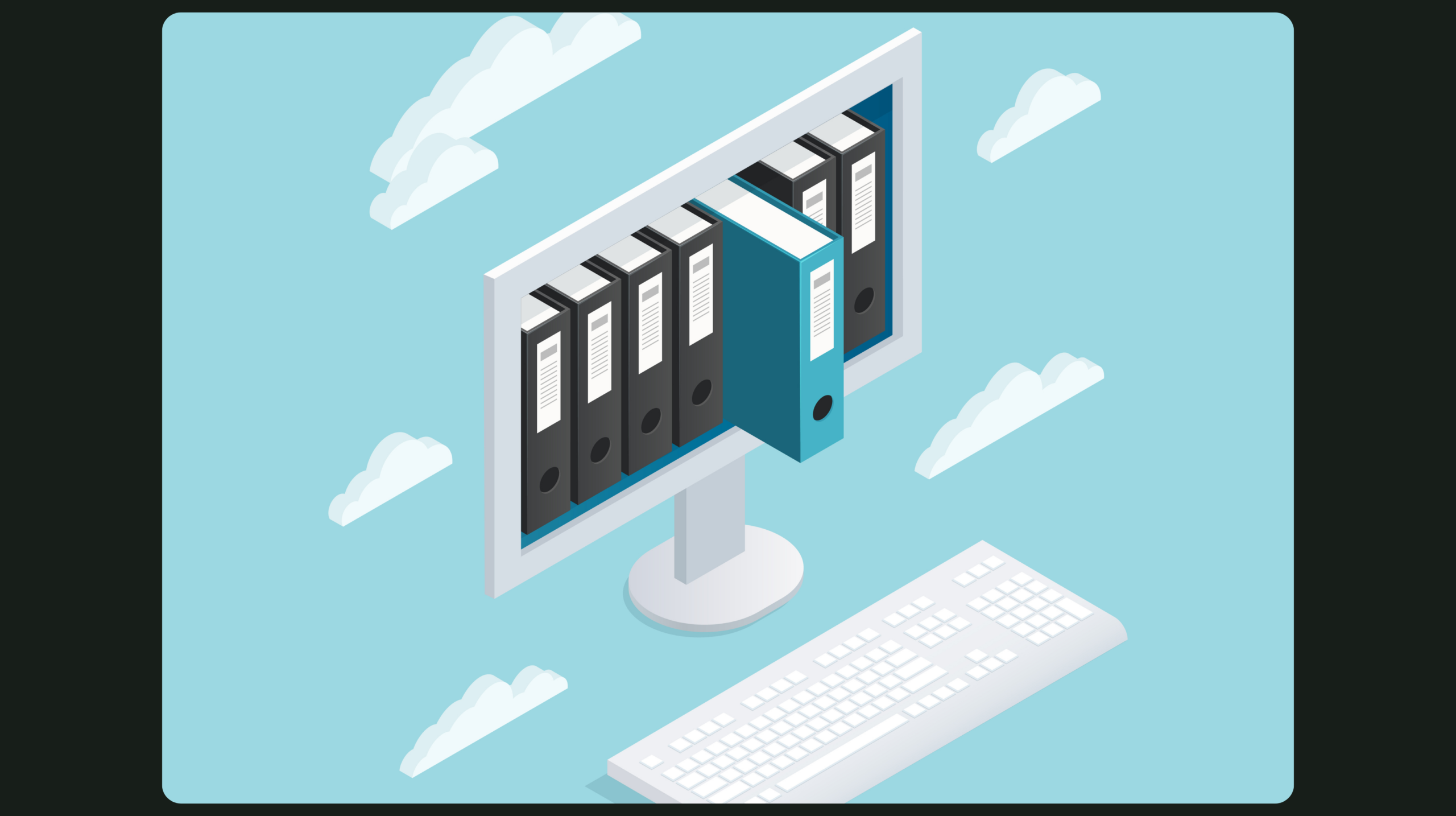
See how digital document workflows help organizations eliminate manual delays, improve collaboration, and speed up approvals.
In today’s fast-paced business environment, efficiency and speed are critical to staying competitive. Traditional paper-based document signing is often slow, cumbersome, and prone to errors, creating bottlenecks in workflows. Contracts, approvals, and agreements can be delayed when documents need to be printed, signed physically, scanned, and sent back via email or courier.
Digital document signing offers a solution that not only accelerates business processes but also enhances security, compliance, and accessibility. By embracing paperless workflows, organizations can transform how agreements are executed and managed.

Despite its familiarity, manual document signing presents several challenges for businesses:
These challenges not only slow down operations but can also increase costs and operational risks. Misplaced documents or delayed approvals may lead to missed opportunities or compliance issues, impacting both revenue and reputation.
Relying on printed signatures and physical documents limits visibility and accountability. Teams often struggle to know where a document is in the approval process or whether it has been signed by all required parties.
For example, an important contract stuck in someone’s inbox for days can delay a deal or project launch. Similarly, manually tracking signed agreements can lead to errors, duplicate records, or incomplete documentation. As organizations scale, these inefficiencies multiply, creating unnecessary friction across departments.
Digital document signing systems centralize the signing process, making it faster, more secure, and more transparent. With a digital platform, organizations can:
Solutions like JMS TECH’s Digital Document Signing Platform enable businesses to replace paper-based processes with streamlined, fully digital workflows, reducing turnaround times, and improving operational efficiency.
Digital signing tools automate the approval and signature process, ensuring documents move seamlessly through the required stages. Automated notifications and reminders keep stakeholders informed, minimizing delays and preventing bottlenecks.
This means contracts, NDAs, or internal approvals can be completed in minutes rather than days, allowing teams to focus on strategic tasks instead of chasing signatures.
Paperless workflows offer unmatched visibility and control over documents. Teams can quickly search for signed agreements, track who approved what and when, and maintain an auditable trail of all actions.
Moreover, digital signatures provide strong security and compliance benefits, including encryption, tamper-proof records, and adherence to global e-signature regulations. This reduces legal and operational risks while fostering trust with clients, partners, and employees.
By moving toward a paperless ecosystem, businesses not only streamline operations but also create a more sustainable, eco-friendly approach to document management.
Stay updated with trends in AI, enterprise tools, automation, and cloud-based transformation.
Make smarter decisions with real-time dashboards, custom reports, and unified data across departments to stay ahead in a fast-changing business landscape.

Off-the-shelf tools aren’t enough here’s when (and why) to build your own platforms tailored to your processes, data needs, and scalability goals.